> ## Documentation Index
> Fetch the complete documentation index at: https://stackone-hub-docs-confluence-api-token-update.mintlify.site/llms.txt
> Use this file to discover all available pages before exploring further.
# Deel (Partner OAuth)
> Follow these steps to connect Deel via the StackOne Hub successfully.
Ensure that your Deel account has Admin privileges.
If you've been directed to StackOne to integrate with Deel, the following steps will help you understand the process and any necessary actions to configure a successful integration.
## Log in to Deel
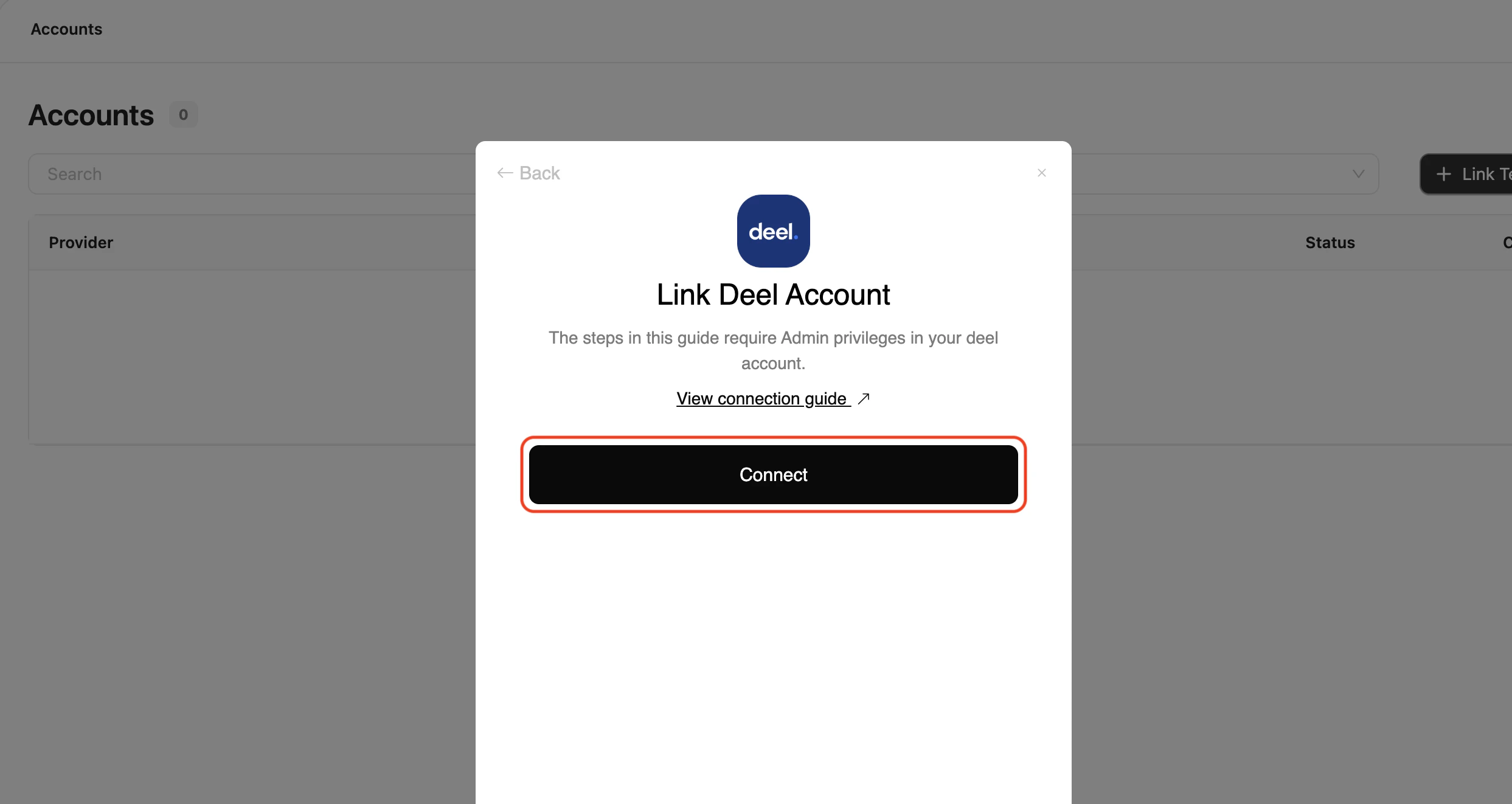
Click the Connect button to start the login process. You will be redirected to Deel.
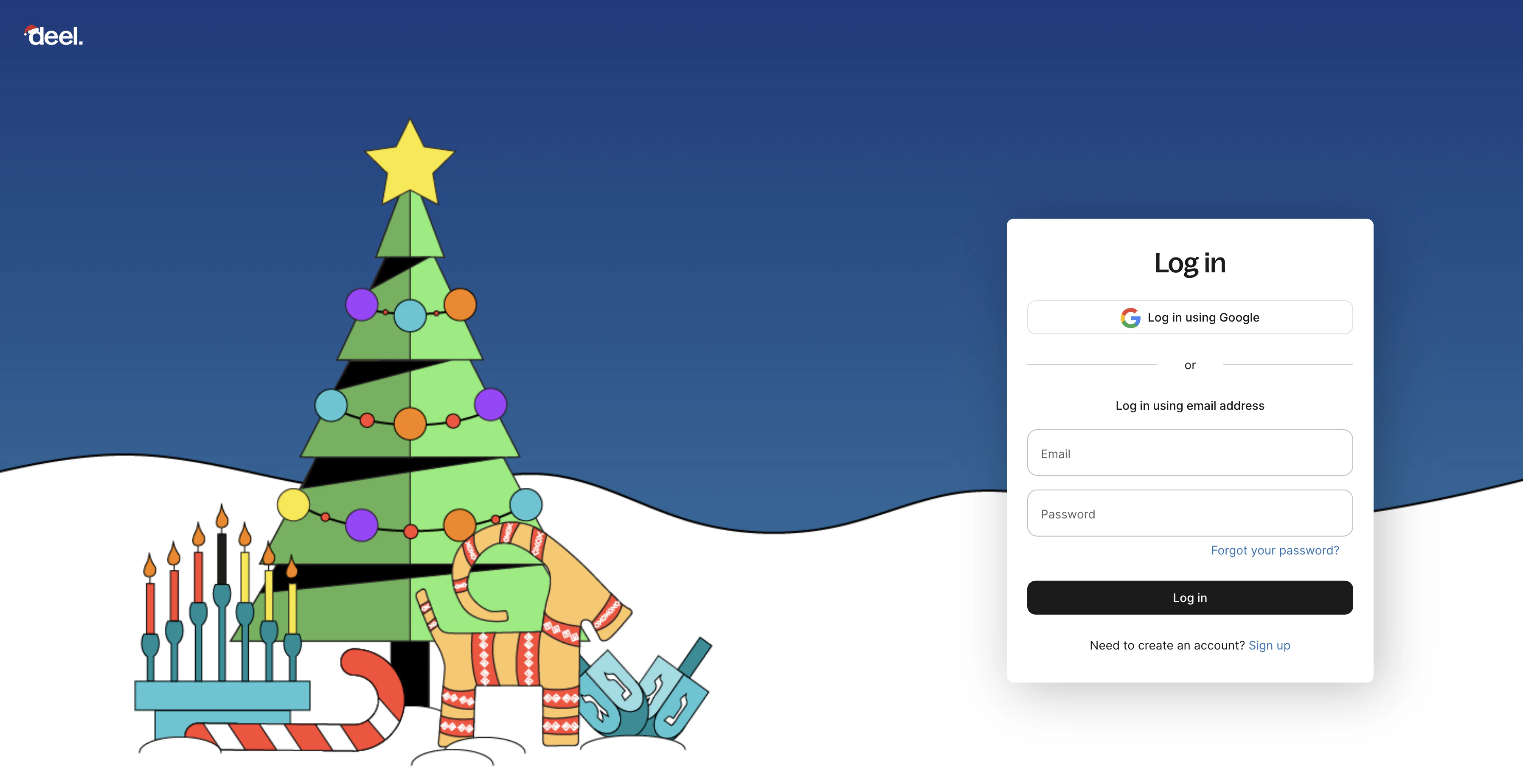
 If necessary, enter your Deel credentials or use one of the sign-in options available that are connected to your Deel account.
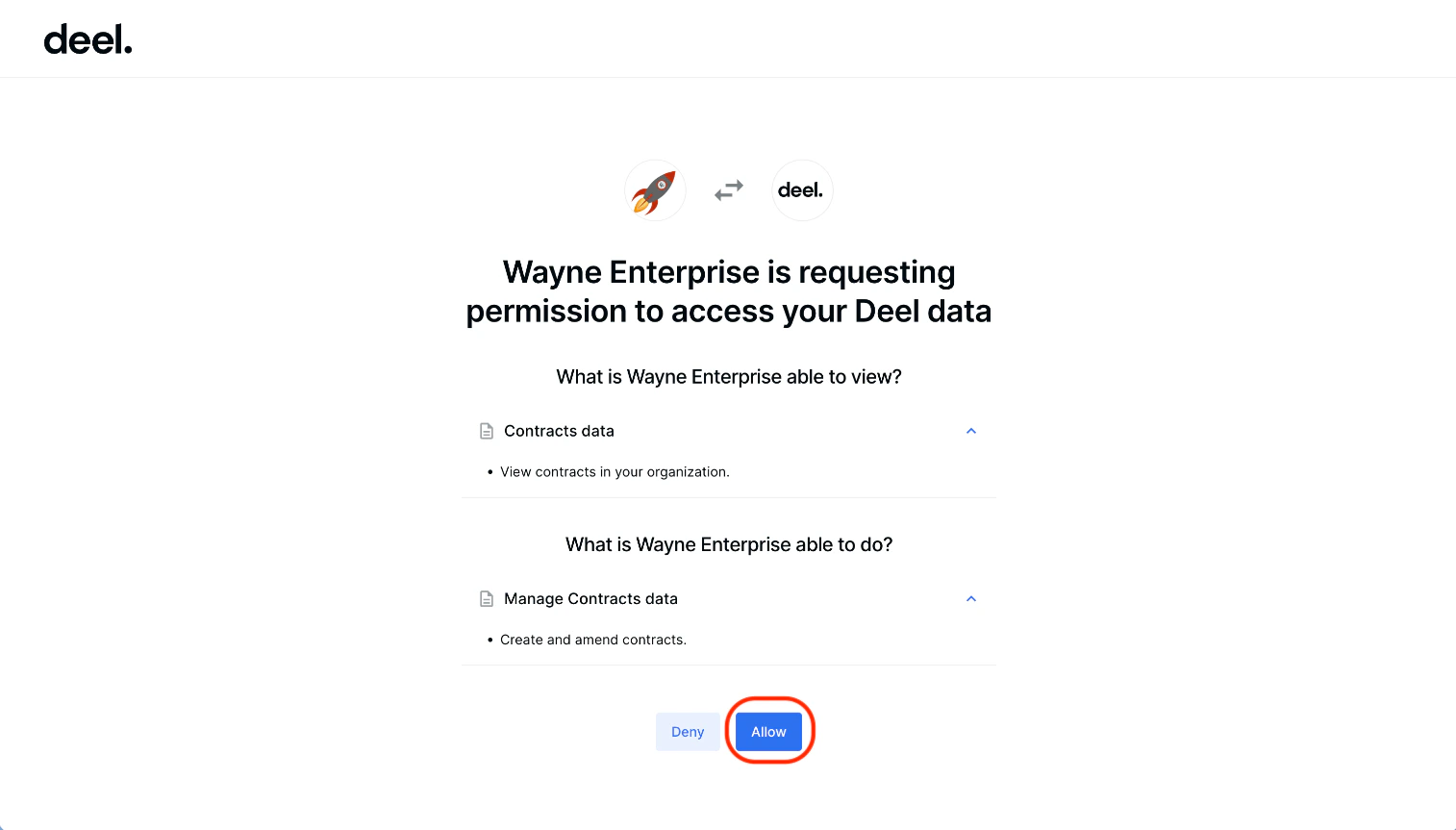
 In order to connect to your Deel account, you need to grant permission for the App to access your data.
Click **Allow** to proceed.
In order to connect to your Deel account, you need to grant permission for the App to access your data.
Click **Allow** to proceed.
Congratulations, you're all set! If you face any issues with the steps mentioned above,
please contact us by emailing [integrations@stackone.com](mailto:integrations@stackone.com). We're always here to assist you!
## Available data
This integration has the following [HRIS Resources](https://docs.stackone.com/reference/getting-started-with-your-api) available from the provider:
- Employees
- Employments
- Companies
- Groups
- Locations