> ## Documentation Index
> Fetch the complete documentation index at: https://stackone-hub-docs-confluence-api-token-update.mintlify.site/llms.txt
> Use this file to discover all available pages before exploring further.
# Anthropic
> Follow these steps to connect Anthropic via the StackOne Hub successfully.
Ensure that your Anthropic account has **Admin** privileges within your Organization.
If you've been directed to StackOne to integrate with Anthropic, the following steps will help you understand the process and any necessary actions to configure a successful integration.
This connection will be associated with a single Anthropic Organization, which may contain multiple Anthropic Workspaces.
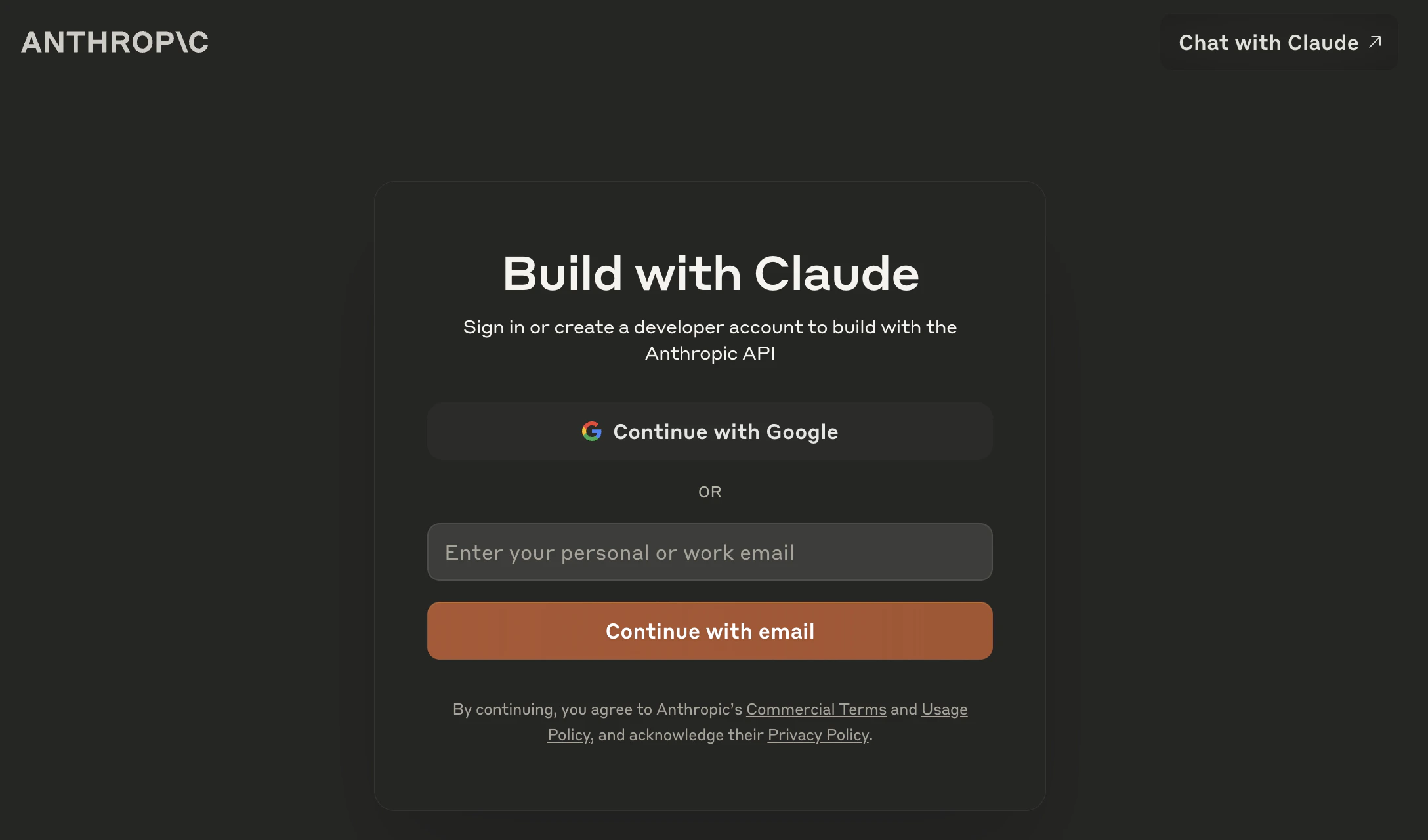
## Log in to Anthropic
Log in to your Anthropic account at [https://console.anthropic.com/](https://console.anthropic.com/)
 ## Create your Anthropic Admin API Key
Anthropic treats *API Keys* and **Admin keys** separately. An **Admin Key** must be used for this connection.
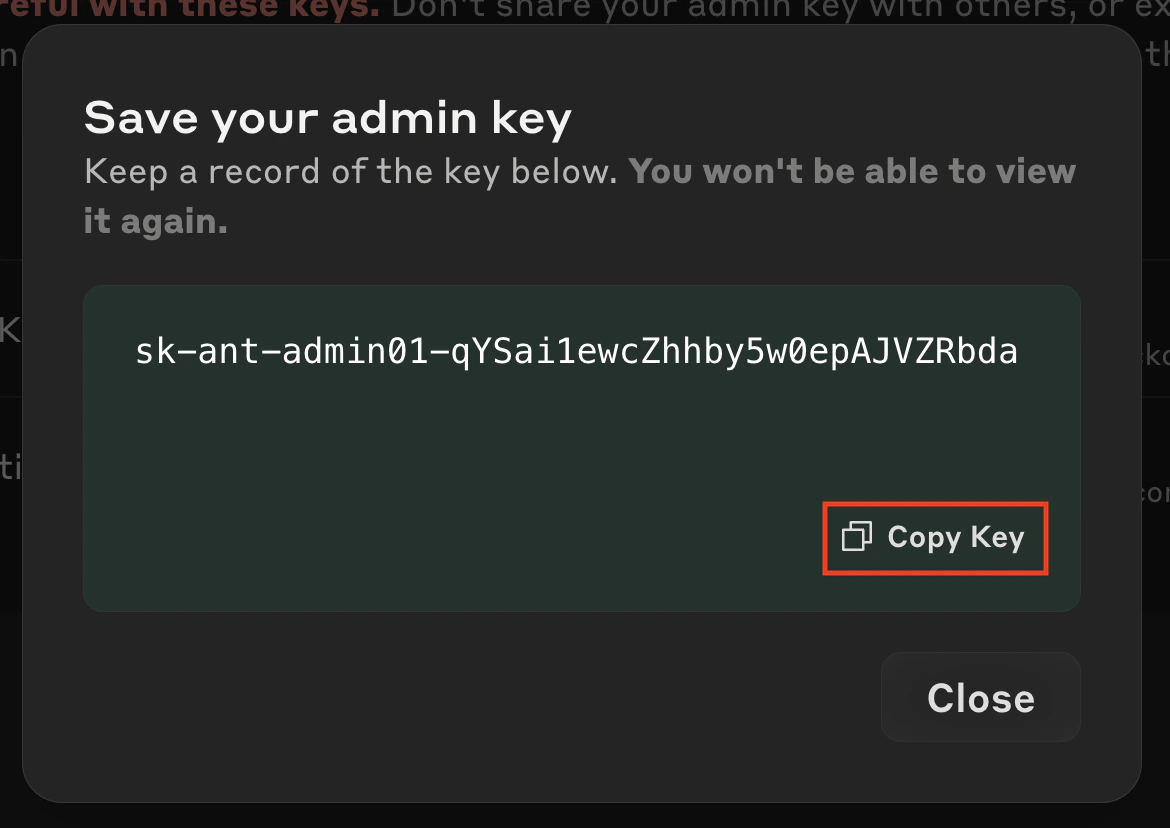
An Anthropic Admin Key has a prefix of **sk-ant-admin**
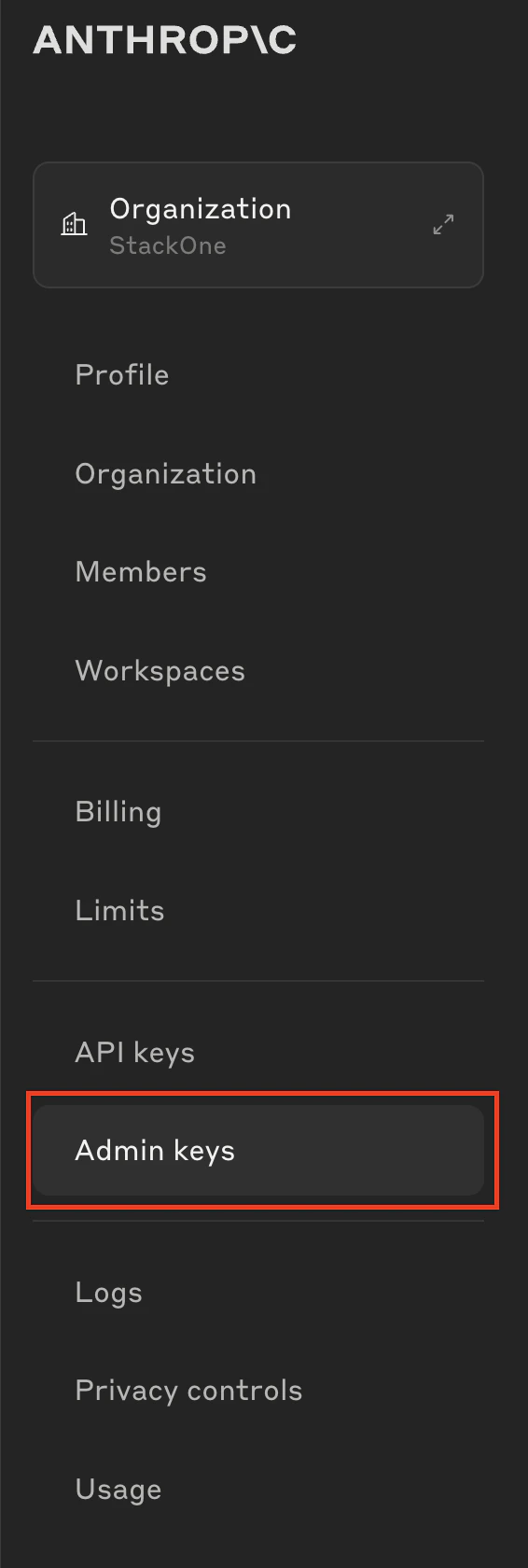
Click **Admin keys** in the left navigation menu.
## Create your Anthropic Admin API Key
Anthropic treats *API Keys* and **Admin keys** separately. An **Admin Key** must be used for this connection.
An Anthropic Admin Key has a prefix of **sk-ant-admin**
Click **Admin keys** in the left navigation menu.
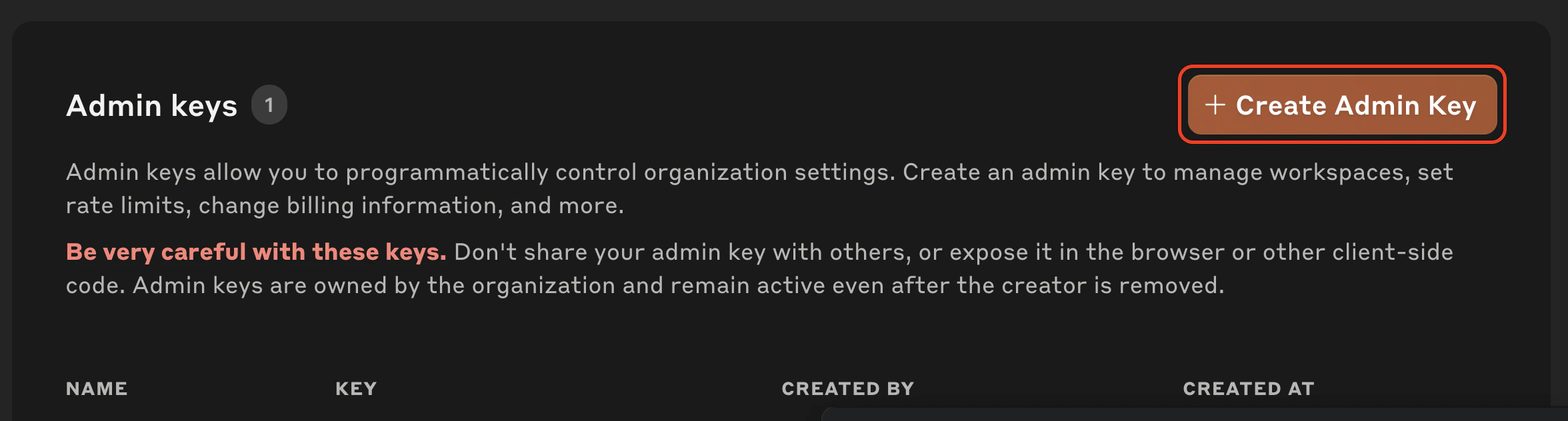
 Click **Create Admin Key** to create a new key.
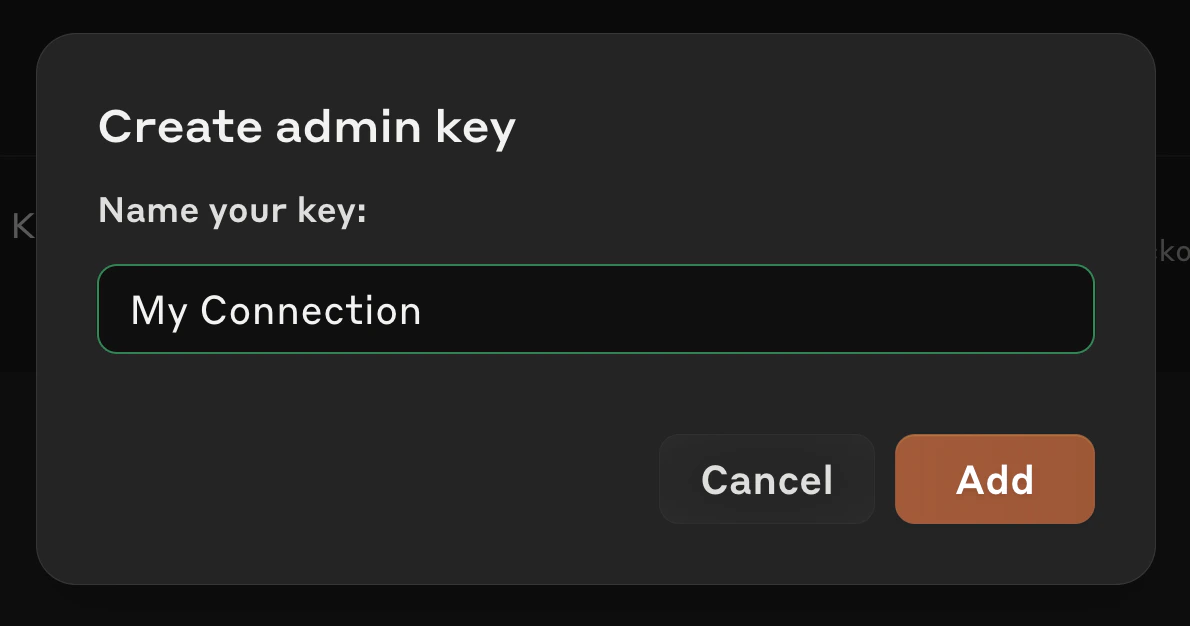
 Enter a name for the new **Admin Key**, then click **Add**.
 Copy your displayed **Admin Key** and store it safely to be used in the next step.
 ## Connecting with StackOne
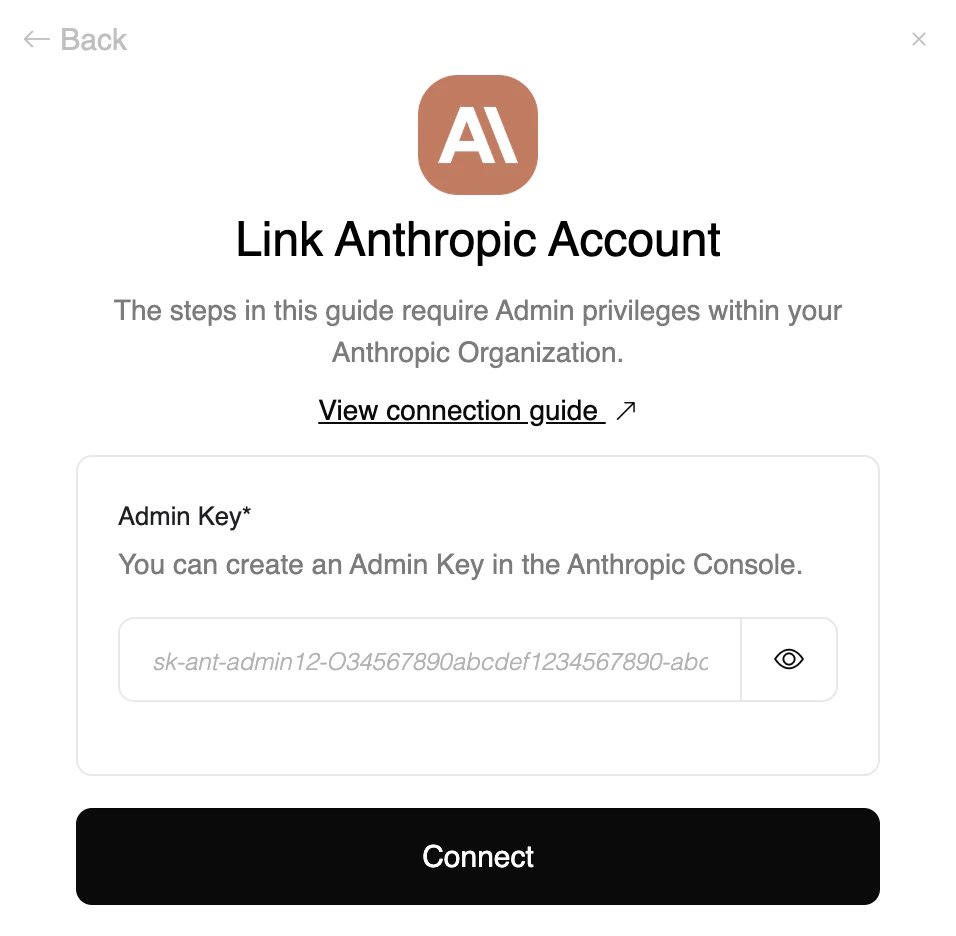
Upon reaching the Link Account page, enter the **Admin Key** from the previous step.
Proceed by clicking the Connect button.
## Connecting with StackOne
Upon reaching the Link Account page, enter the **Admin Key** from the previous step.
Proceed by clicking the Connect button.
Congratulations, you're all set! If you face any issues with the steps mentioned above,
please contact us by emailing [integrations@stackone.com](mailto:integrations@stackone.com). We're always here to assist you!
## Available data
This integration has the following [IAM Resources](https://docs.stackone.com/reference/getting-started-with-your-api) available from the provider:
## Useful Links
[https://docs.anthropic.com/en/docs/administration/administration-api](https://docs.anthropic.com/en/docs/administration/administration-api)
[https://www.anthropic.com/news/workspaces](https://www.anthropic.com/news/workspaces)