> ## Documentation Index
> Fetch the complete documentation index at: https://stackone-hub-docs-confluence-api-token-update.mintlify.site/llms.txt
> Use this file to discover all available pages before exploring further.
# Cornerstone Library (Single Tenant)
> Follow these steps to connect Cornerstone Library (Single Tenant) via the StackOne Hub successfully.
## Linking your Account
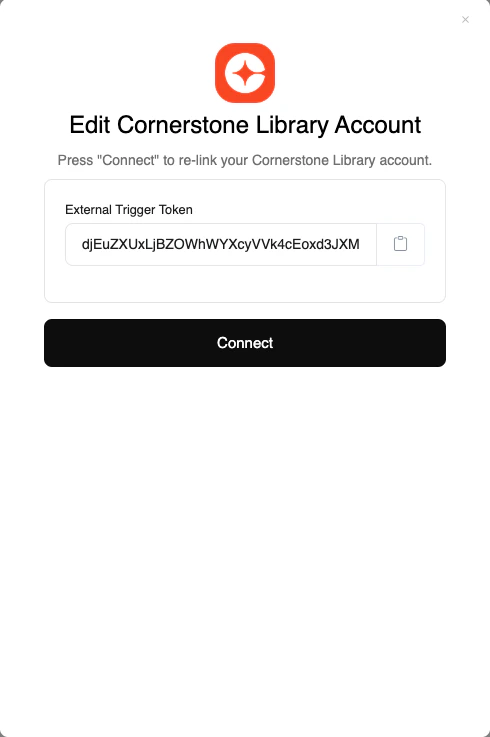
In the modal, click the Connect button
Congratulations, you're all set! If you face any issues with the steps mentioned above,
please contact us by emailing [integrations@stackone.com](mailto:integrations@stackone.com). We're always here to assist you!