> ## Documentation Index
> Fetch the complete documentation index at: https://stackone-hub-docs-confluence-api-token-update.mintlify.site/llms.txt
> Use this file to discover all available pages before exploring further.

# GO1 Library

> Follow these steps to connect GO1 Library via the StackOne Hub successfully.

<Note>
  This guide is for GO1 Library. In this case the account represents the connection with GO1 since this single account will push content to be distributed by GO1 to multiple tenants.
</Note>

## Linking your Account

<Steps>
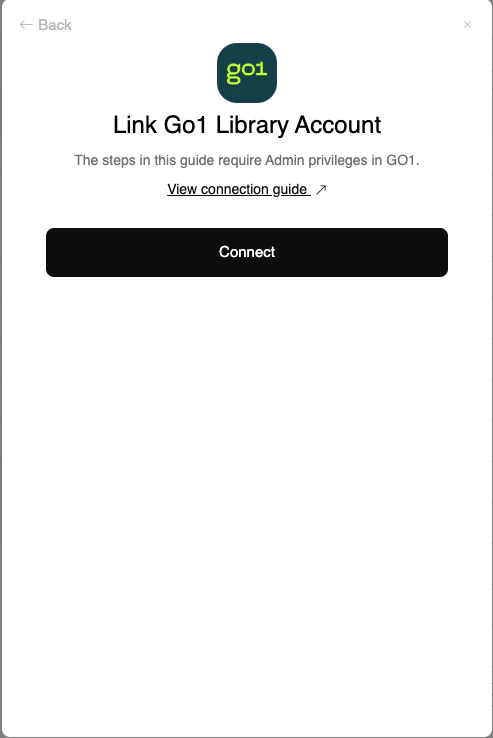
  <Step title="Click Connect Account">
    In the modal, click the <b>Connect</b> button

    <Frame>
      <img className="rounded-md" style={{ margin: '0 auto', border: '1px solid #efefef' }} alt="Enter Credentials" src="https://mintcdn.com/stackone-hub-docs-confluence-api-token-update/6QOxZsBfCtSHWqb3/images/go1/go1-library-connect-account.png?fit=max&auto=format&n=6QOxZsBfCtSHWqb3&q=85&s=35349a9de40dacf156232f2e4e3cc4bf" width="493" height="738" data-path="images/go1/go1-library-connect-account.png" />
    </Frame>
  </Step>

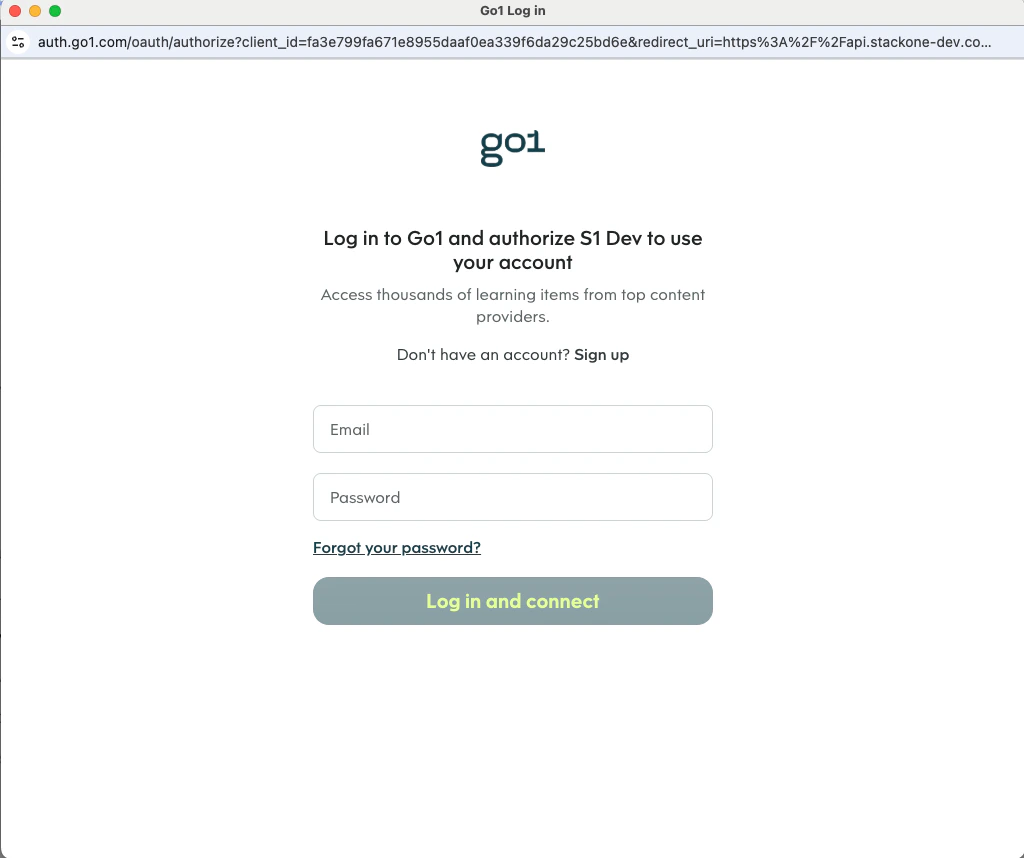
  <Step title="Log in to your GO1 account">
    Enter your credentials and click `Log in and connect`
    <Frame>
      <img className="rounded-md" style={{ margin: '0 auto', border: '1px solid #efefef' }} alt="Enter Credentials" src="https://mintcdn.com/stackone-hub-docs-confluence-api-token-update/6QOxZsBfCtSHWqb3/images/go1/account-login.png?fit=max&auto=format&n=6QOxZsBfCtSHWqb3&q=85&s=fb822b76a7c59dc917f157f343b5218f" width="1024" height="858" data-path="images/go1/account-login.png" />
    </Frame>
  </Step>
</Steps>

<br />

Congratulations, you're all set! If you face any issues with the steps mentioned above,
please contact us by emailing [integrations@stackone.com](mailto:integrations@stackone.com). We're always here to assist you!